
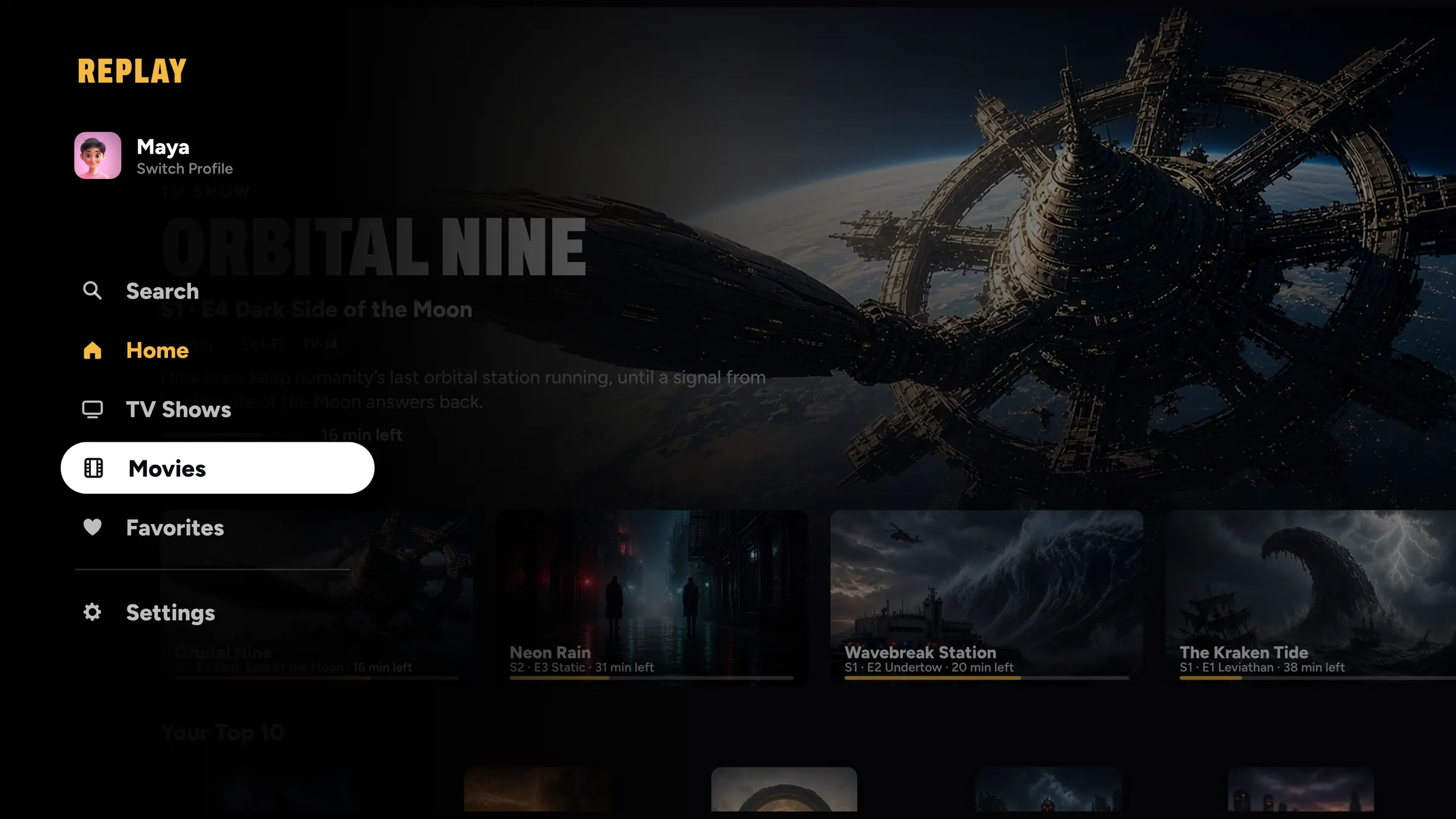
The video player for Apple TV that feels like a streaming service.
Your own movies, shows and home videos on Apple TV, with posters, every season in order, Continue Watching, Up Next and a profile for everyone in the house.
How it works.
No server, no uploads, nothing to set up.
Add your videos
On iPhone or iPad, add from Photos, the Files app, OneDrive, Dropbox or a shared folder at home. Nothing is copied.
REPLAY builds your library
Shows by season and episode, movies with posters and details, home videos grouped by when you filmed them.
Press play on Apple TV
Your library is already there, and it picks up at the very same frame you paused on.
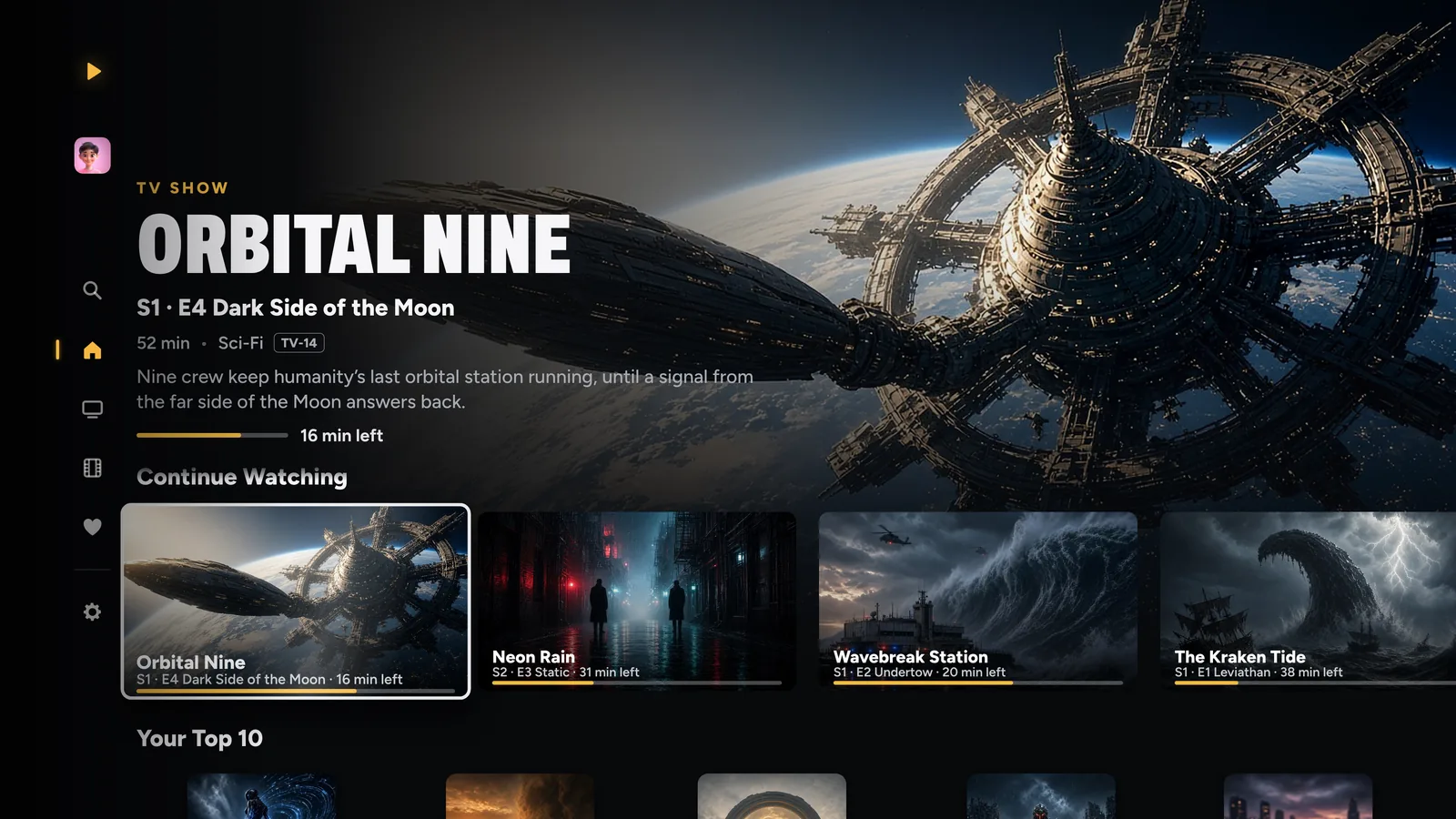
Apple TV
Made for the big screen.
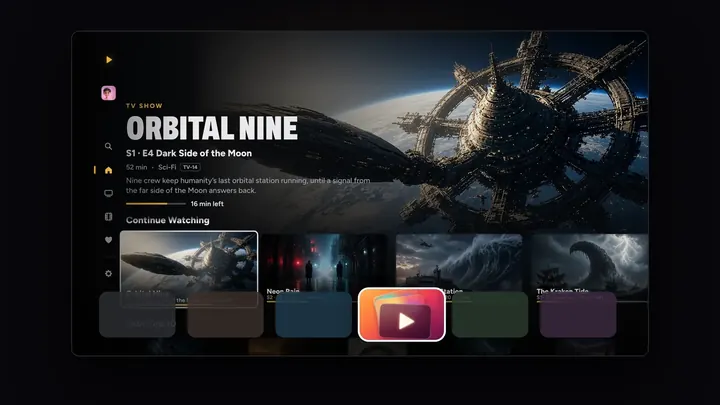
The side menu, posters, every season in order, and a swipe-down info panel while you watch.
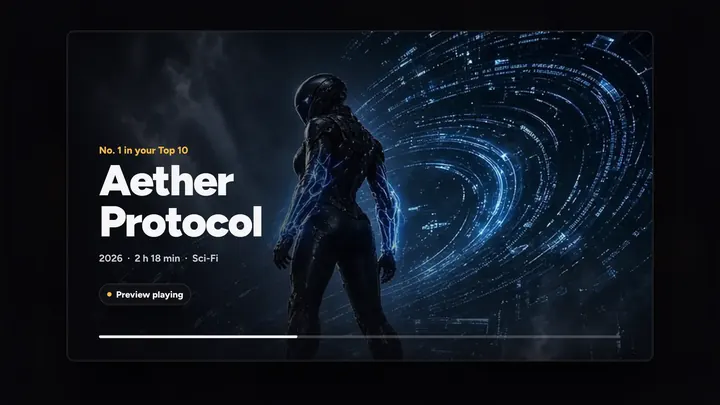
- Previews that play when you rest on a title
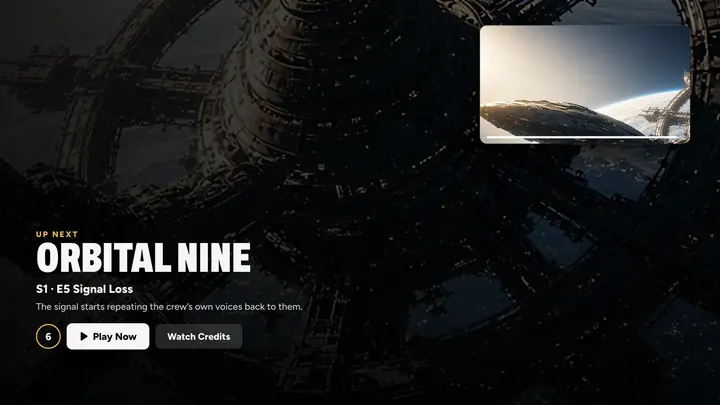
- Up Next with Smart Timing, and Skip Intro
- Your profile’s own Top Shelf row
- Ready to Play: your next titles start instantly
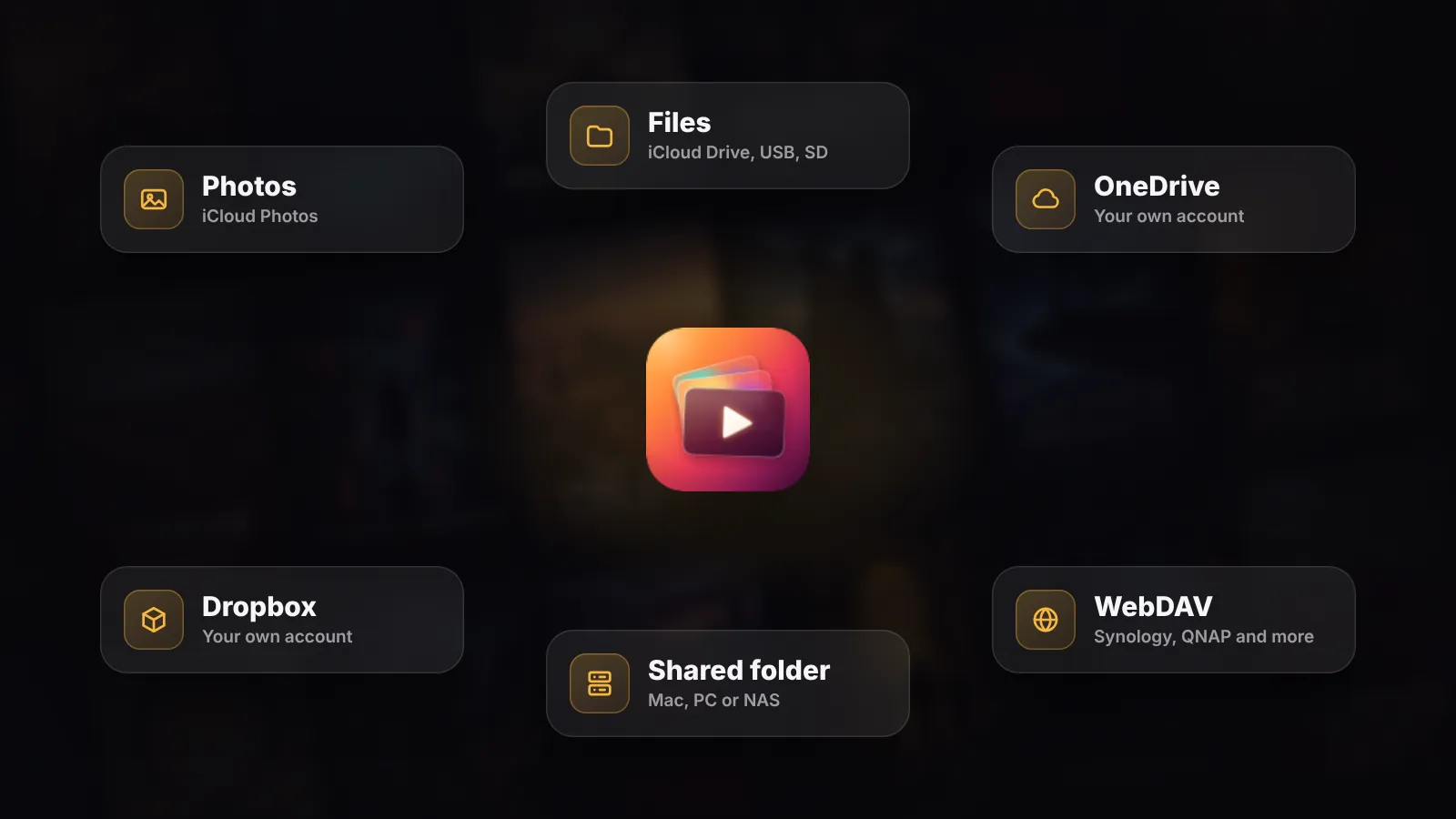
Play from anywhere
Your videos stay where they live.
Play straight from the Files app, iCloud Drive, OneDrive, Dropbox and the computers at home. Nothing is copied into Photos, and none of your iCloud space is used.
- OneDrive and Dropbox: sign in once on iPhone, and they play on Apple TV too
- Shared folders on a Mac, PC or NAS, and WebDAV
- MKV, AVI and almost any format
Related features
See all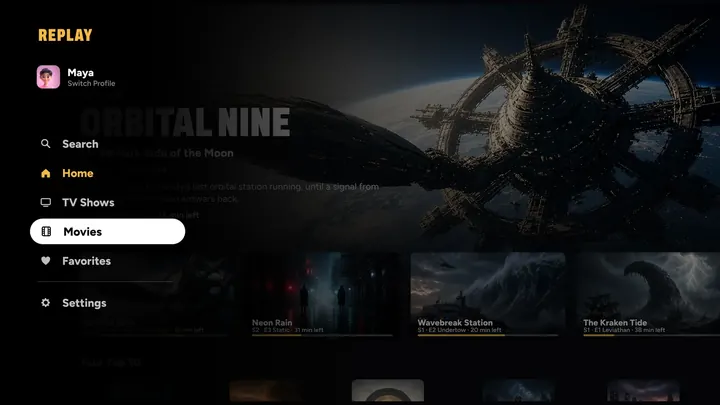

Questions
Do I need a media server?
No. There’s no server to run and nothing to set up. REPLAY plays your videos from where they already live, and your library and progress sync through your own iCloud.
Which Apple TV do I need?
An Apple TV with tvOS 26 or later.
Can everyone in the house have their own?
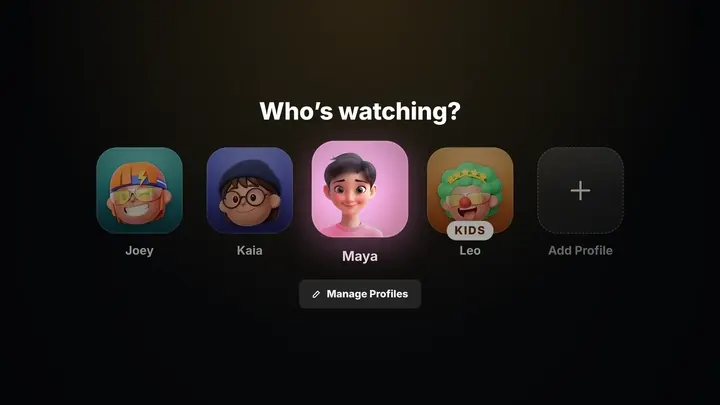
Yes. Every profile gets its own Continue Watching, Top 10, Suggested for You and Top Shelf row, and Kids profiles only see the titles you choose.
Does it play my files in their original quality?
Yes. The picture passes through untouched whenever it can, HDR included, and Clarity can make lower-resolution video look closer to 4K as it plays.





Your turn on the sofa.
On iPhone, iPad, Mac, Apple TV and Apple Vision Pro, with Apple Watch as the remote.
7 days free on Yearly for new subscribers. Cancel anytime.