
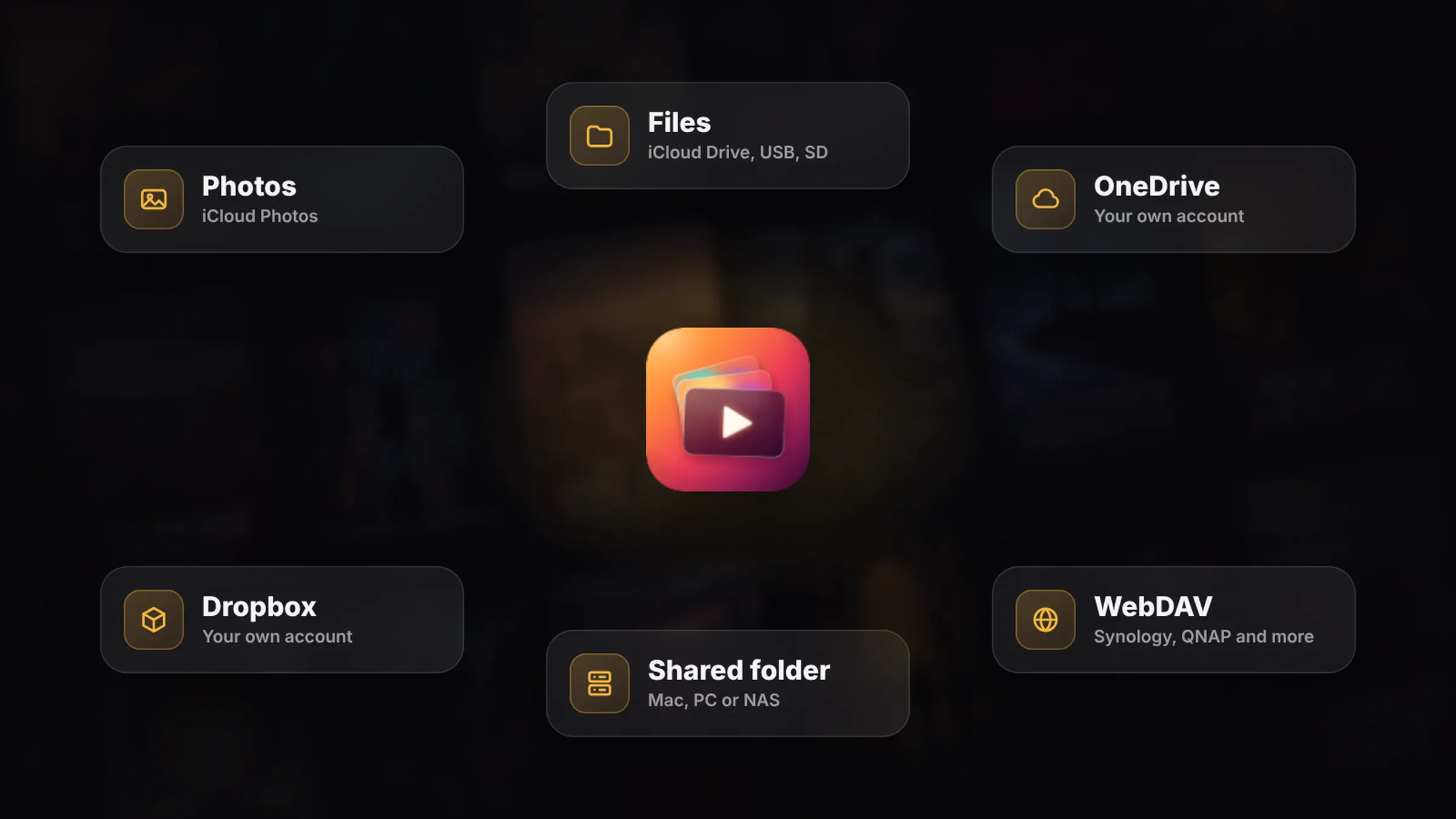
Stream from your Mac, PC or NAS to Apple TV.
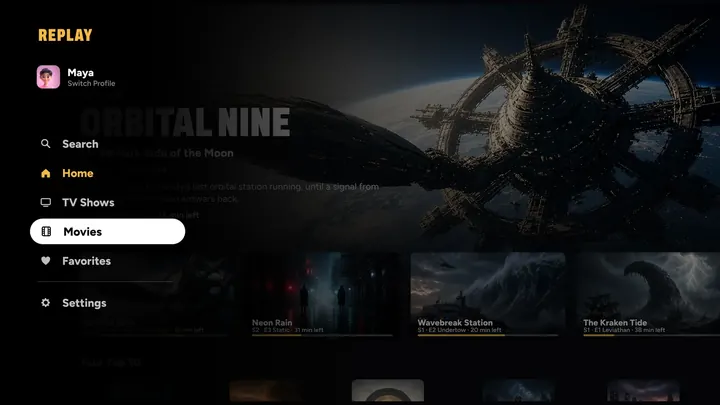
Point REPLAY at a shared folder on your Mac, PC or NAS and every season sorts itself, with posters and details. No media server to install, nothing copied.
How it works.
No server, no uploads, nothing to set up.
Add a shared folder
Pick a shared folder on a Mac, PC or NAS at home, or a WebDAV server like Synology or QNAP.
Every season sorts itself
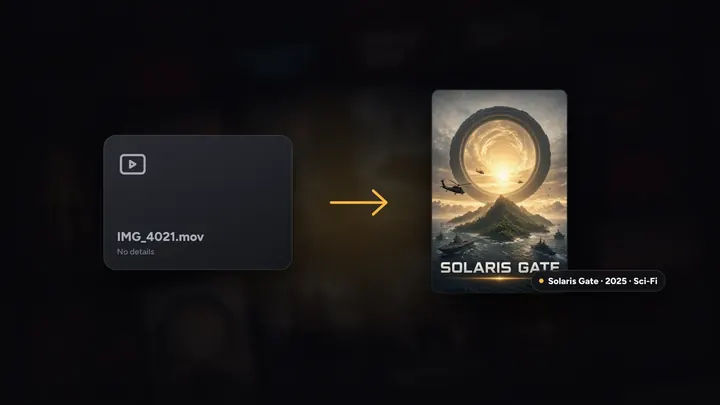
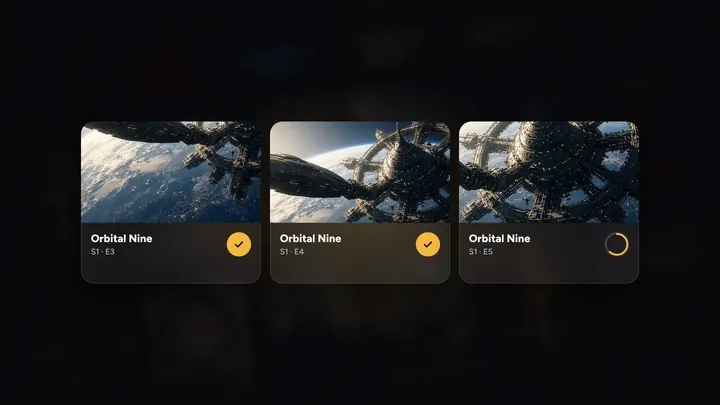
Show.S01E02.mkv becomes Season 1, Episode 2, and Movie (2019).mkv becomes a movie with its poster.
Play on any screen
Apple TV, iPhone, iPad and Mac, picking up exactly where you left off.
Play from anywhere
Your folders, as a streaming service.
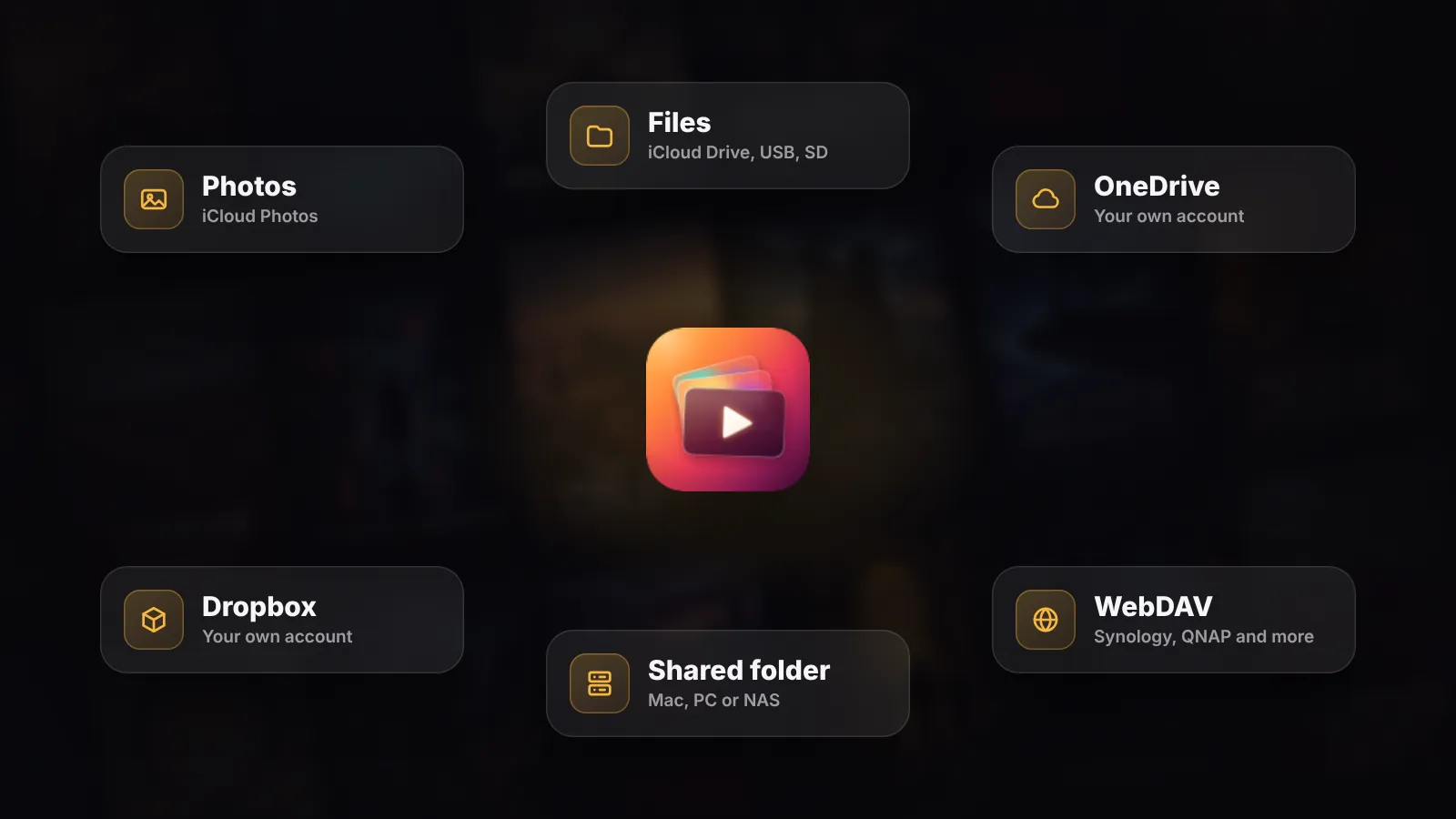
Play your movies and shows right where they live. Nothing is copied into Photos, and none of your iCloud space is used.
- Shared folders on a Mac, PC or NAS
- WebDAV servers like Synology and QNAP
- Pick a whole folder, and every season sorts itself
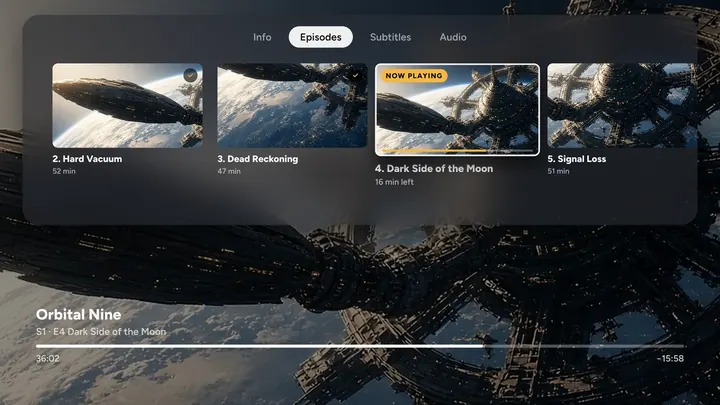
Every season, in order
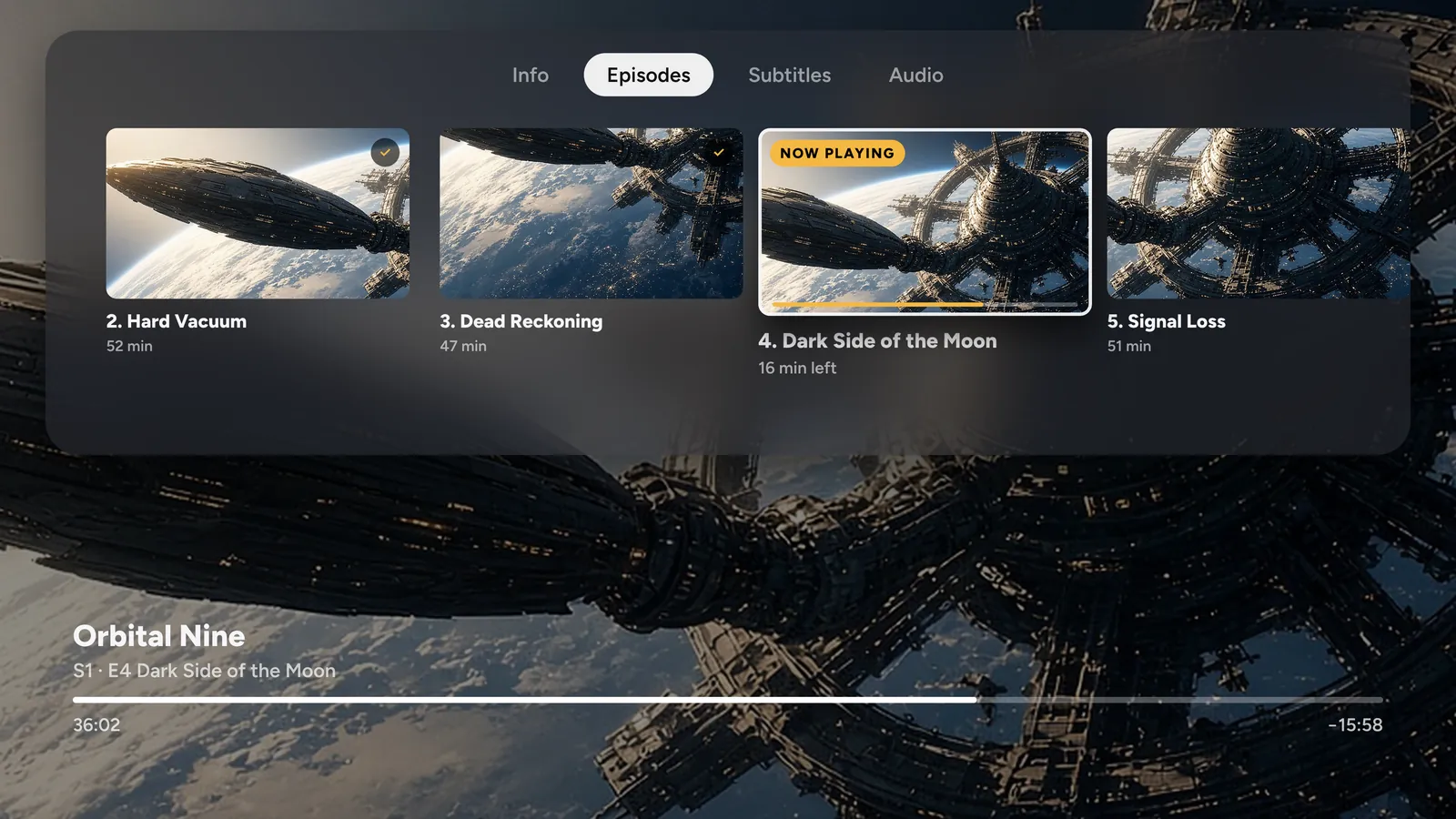
Sorted from the file names.
REPLAY sorts your videos from their names: Show.S01E02.mp4 becomes Season 1, Episode 2 of that show, and Movie (2019).mp4 becomes a movie.
- Episode titles, artwork and details filled in for you
- Identify fills in anything it can’t recognise
- Rename any group, or change what it is
Related features
See all
Questions
Do I need a media server?
No. REPLAY plays straight from shared folders on your Mac, PC or NAS and from WebDAV servers. There’s no server software to install or keep running.
Which NAS drives work?
Any NAS that shares folders on your home network, plus WebDAV servers like Synology and QNAP.
How does REPLAY know what each file is?
From the file names: Show.S01E02 becomes Season 1, Episode 2, and Movie (2019) becomes a movie. For anything it can’t recognise, Identify lets you tell it.
Does it work away from home?
Shared folders play on your home network. For trips, download a movie or a whole season on iPhone, iPad or Mac and watch offline.





Your turn on the sofa.
On iPhone, iPad, Mac, Apple TV and Apple Vision Pro, with Apple Watch as the remote.
7 days free on Yearly for new subscribers. Cancel anytime.