
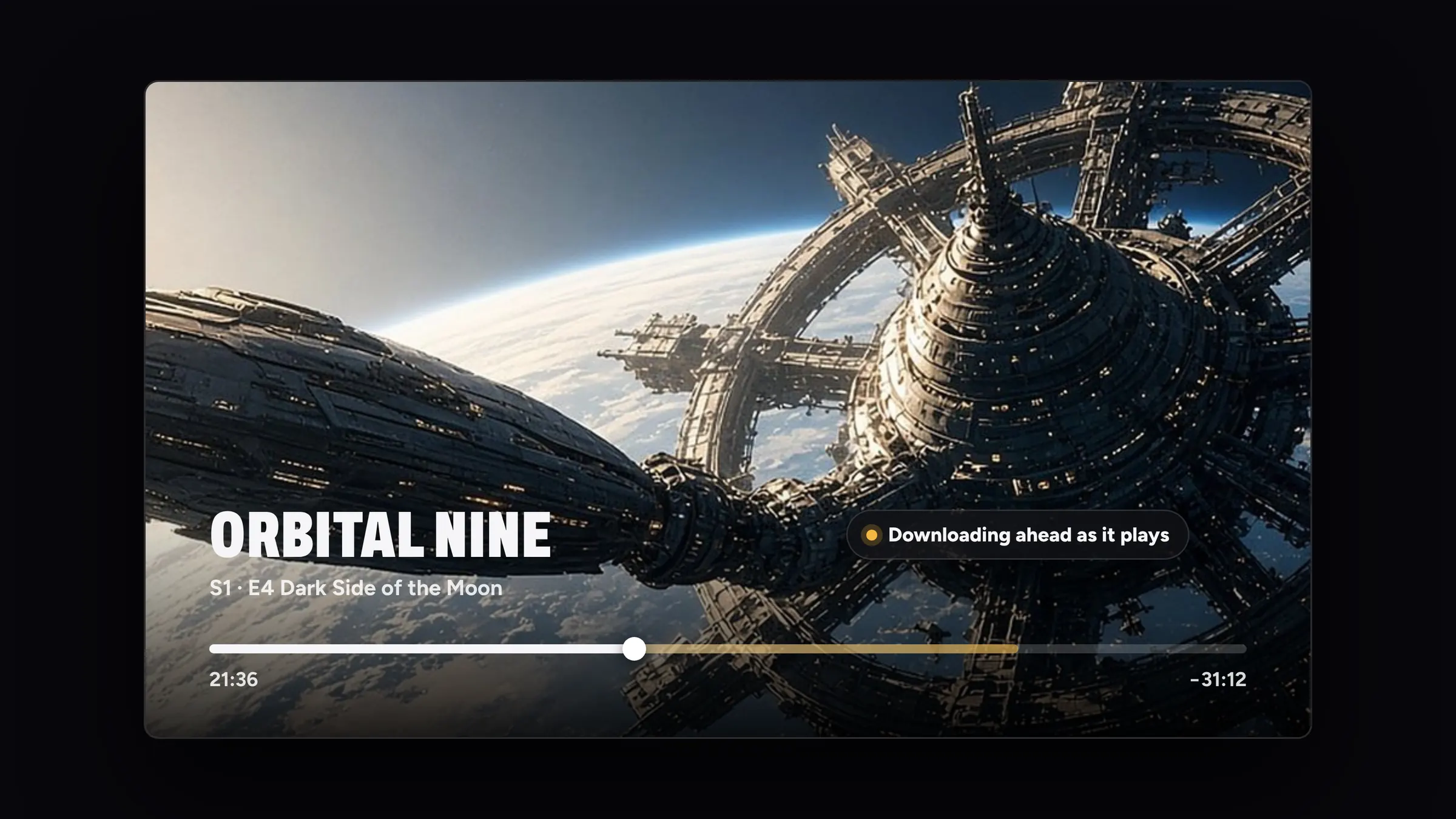
Play MKV and AVI on Apple TV, iPhone and iPad.
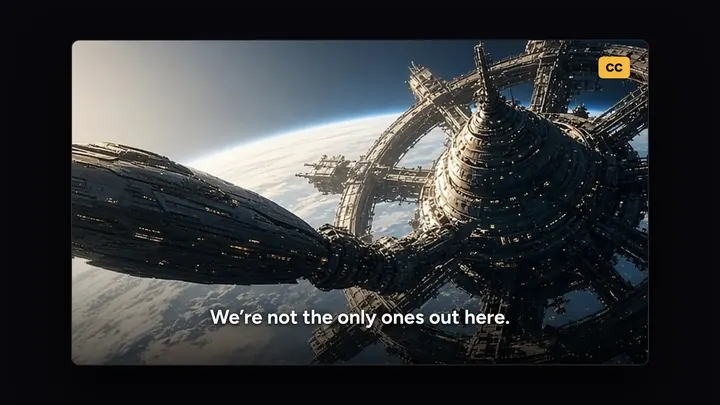
Videos Apple’s player can’t open by itself are rewrapped live on your device, so MKV, AVI and the rest play in Apple’s own player, with everything REPLAY adds.
How it works.
No server, no uploads, nothing to set up.
Add the file
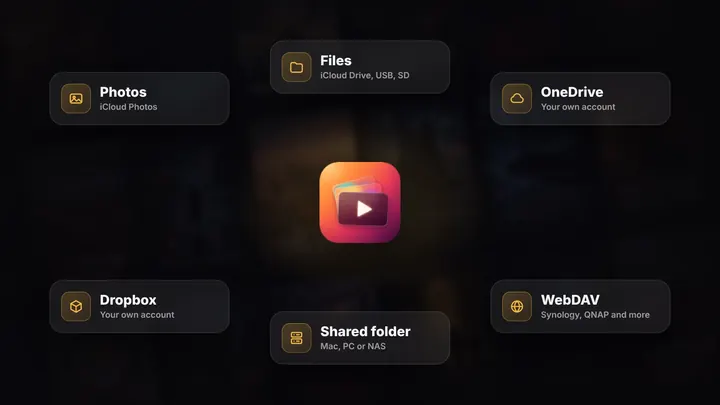
From the Files app, a USB or SD drive, OneDrive, Dropbox or a shared folder at home.
REPLAY rewraps it live
On your device, as it plays. The picture passes through untouched whenever it can.
Watch it like any other
Posters, Continue Watching, Up Next, subtitles and Clarity, on every screen.
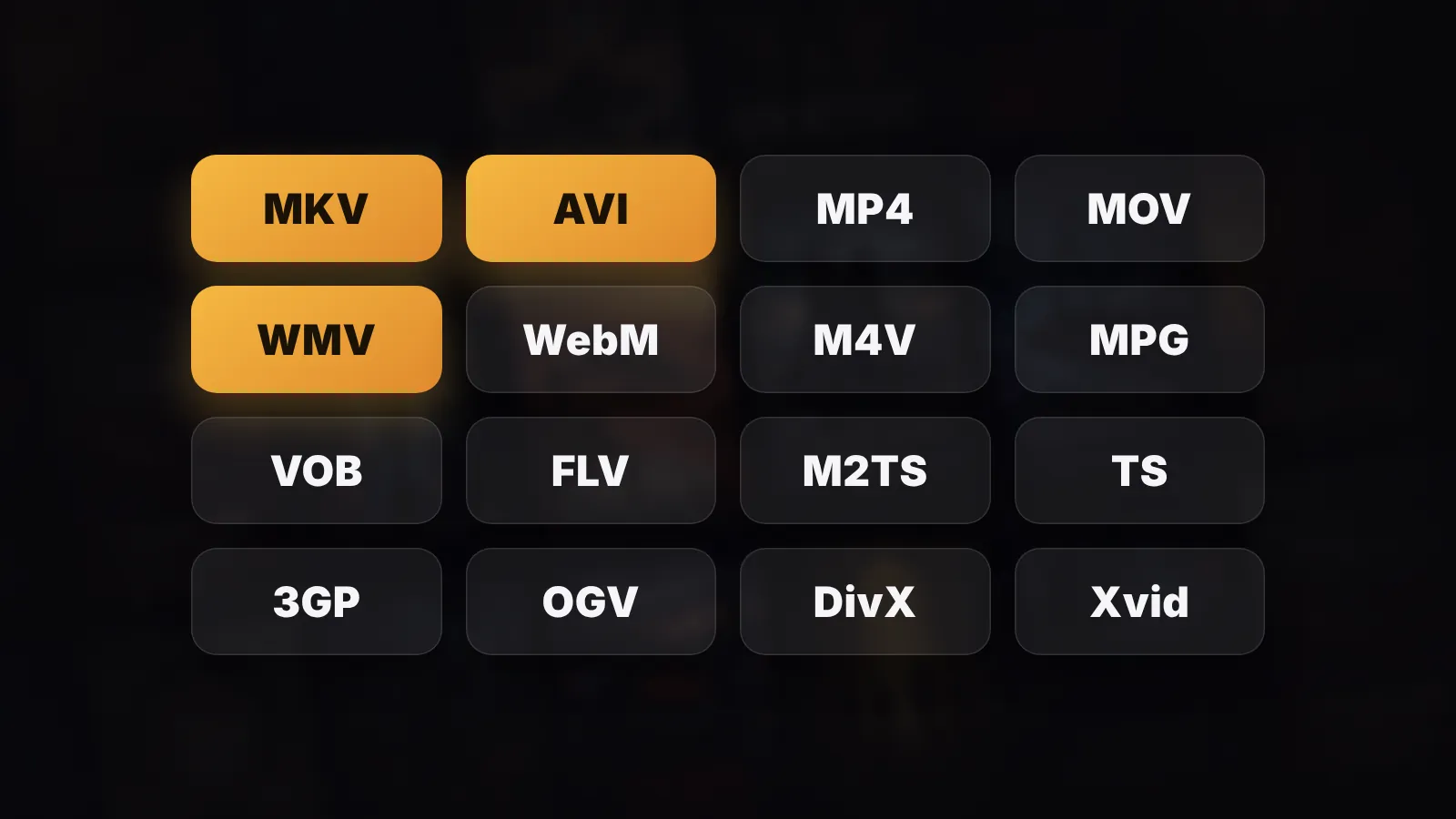
Almost any format
MKV, AVI and the rest.
Videos Apple’s player can’t open by itself are rewrapped live on your device, so they play in Apple’s own player with everything REPLAY adds.
- The picture passes through untouched whenever it can, HDR included
- Dolby Digital and Dolby Digital Plus surround, just as they are
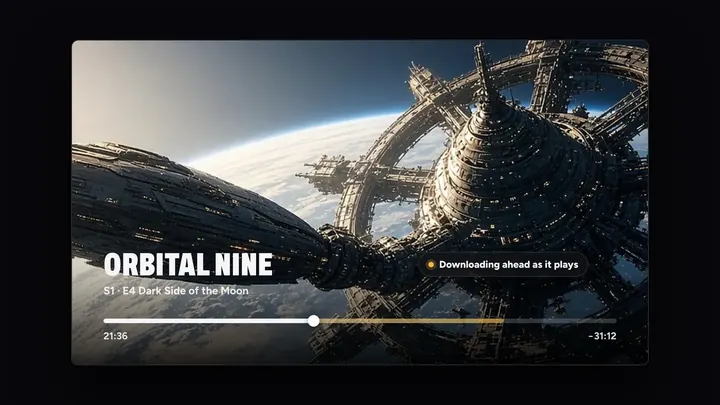
- The whole film is there from the first second. Jump anywhere
- Clarity, subtitles, Skip Intro and Up Next, all included

Clarity
Closer to 4K. Live.
Lower-resolution videos are cleaned up and sharpened as they play, and upscaled on devices that can, so they look and feel closer to native 4K. Your videos are never changed.
- Sharper, cleaner, as it plays
- Works in MKV, AVI and every other format
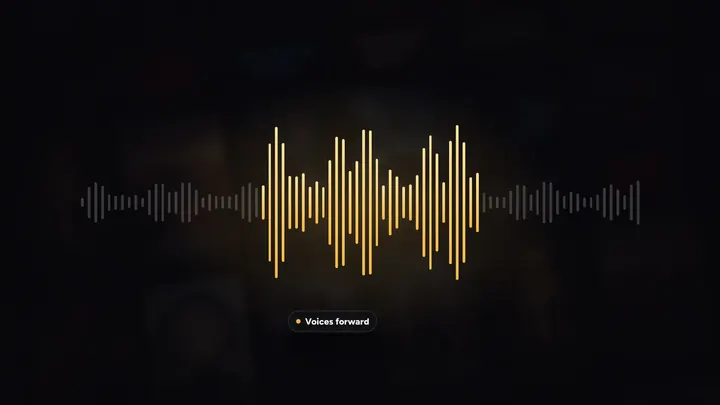
- Enhance Dialogue brings voices forward
Related features
See all

Questions
Which formats does REPLAY play?
MKV, AVI, WMV, WebM, MPG, VOB and more, alongside the MP4 and MOV videos Apple devices play natively.
Is the video converted or re-encoded?
No. It’s rewrapped live on your device as it plays. The picture passes through untouched whenever it can, HDR included, and your files are never changed.
Does surround sound work?
Yes. Dolby Digital and Dolby Digital Plus surround play just as they are.
Can I skip ahead in an MKV?
Yes. The whole film is there from the first second, so you can jump anywhere.





Your turn on the sofa.
On iPhone, iPad, Mac, Apple TV and Apple Vision Pro, with Apple Watch as the remote.
7 days free on Yearly for new subscribers. Cancel anytime.