Your iPhone videos, on your Apple TV.
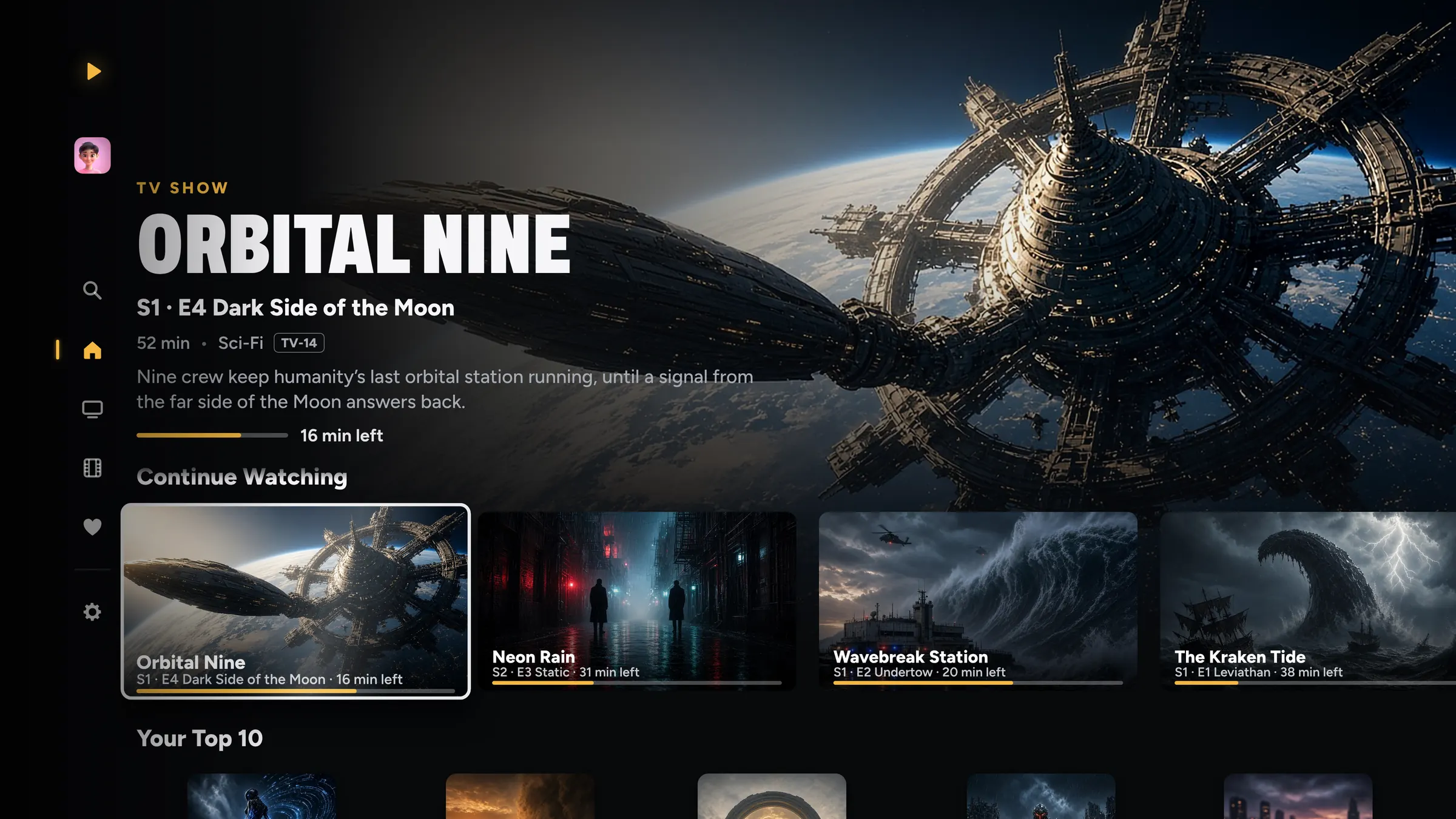
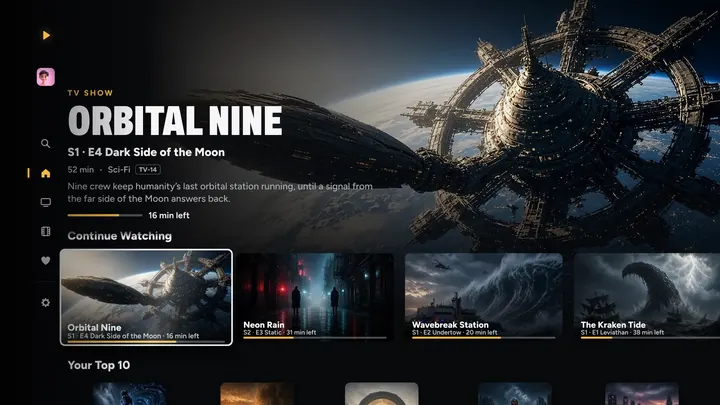
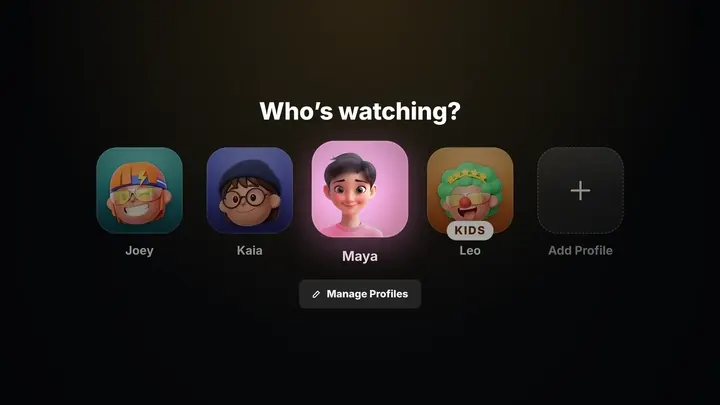
REPLAY turns the videos in your iCloud Photos into your own streaming service on Apple TV. Home videos are grouped by when you filmed them, shows and movies get posters, and everyone picks up where they left off.
How it works.
No server, no uploads, nothing to set up.
Share to REPLAY
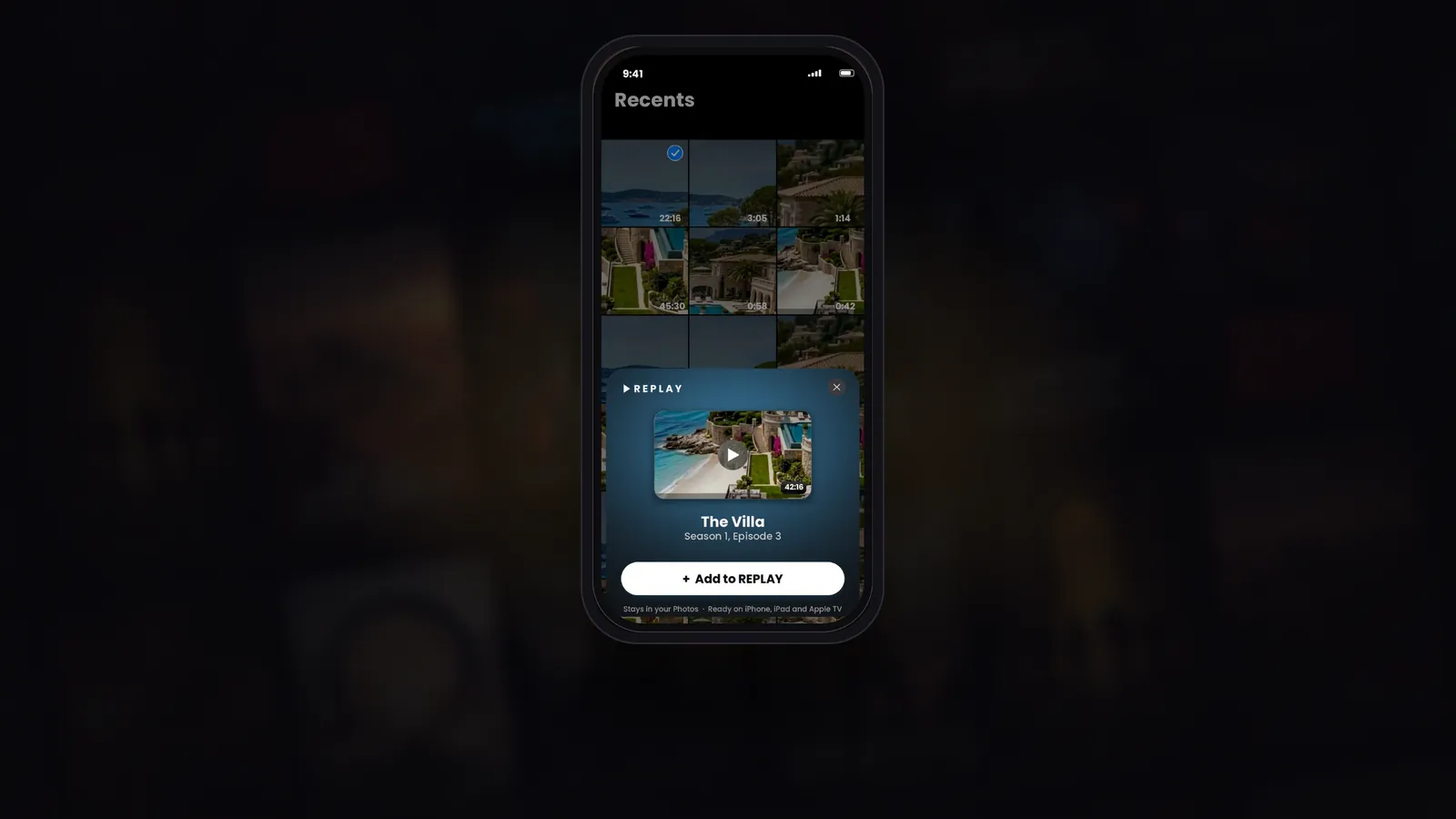
In Photos, tap Share on any video, then REPLAY. Or tap + in REPLAY and pick from your library.
It’s sorted for you
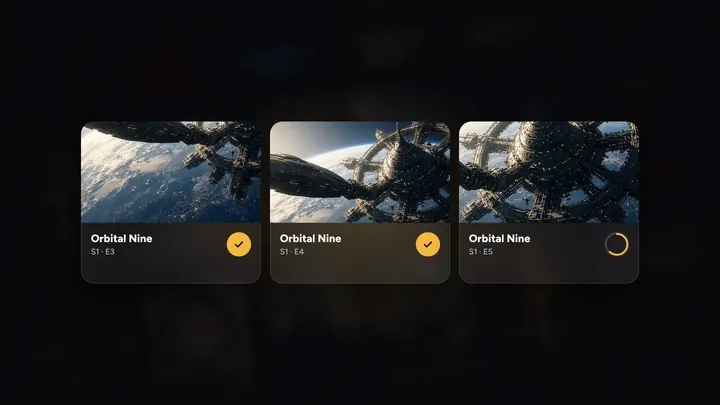
Home videos are grouped by when you filmed them. Shows land in the right season and episode.
Watch on the big screen
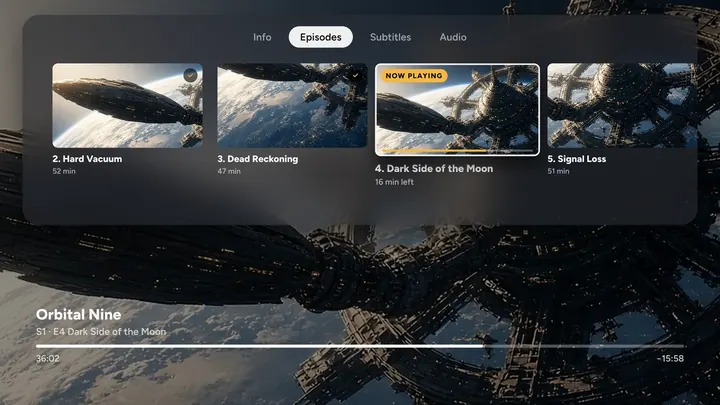
A moment later it’s on your Apple TV, ready to play at the very same frame on every screen.
Share to REPLAY
From Photos to prime time.
Spot a video in Photos, tap Share, then REPLAY. A card shows exactly where it’s going, and a moment later it’s in your channels, ready on every screen.
- Right from the Photos share sheet
- Sorted into the right show, season and episode
- Your video stays in your iCloud Photos
Private by design
Nothing uploaded. Nothing copied.
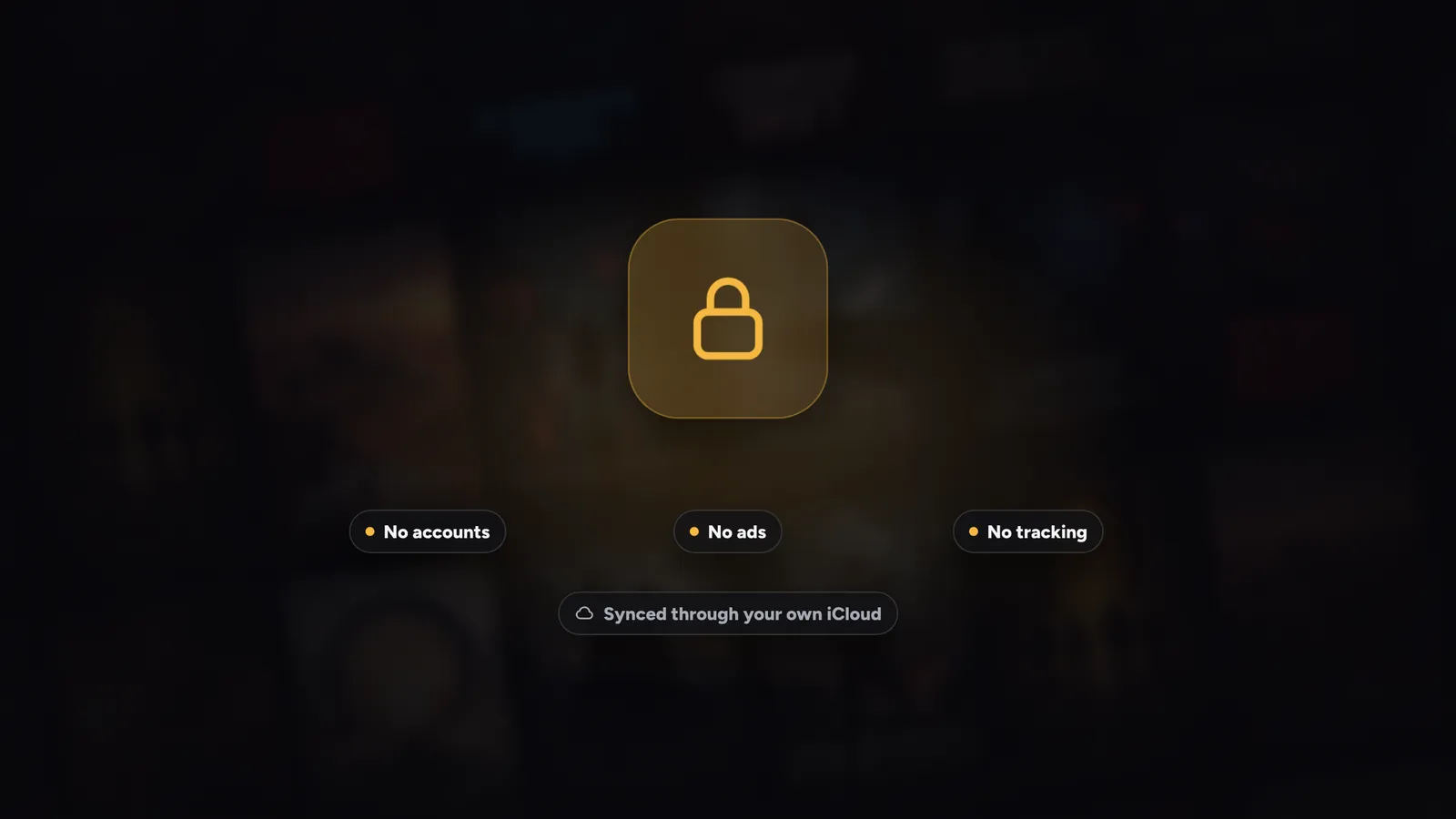
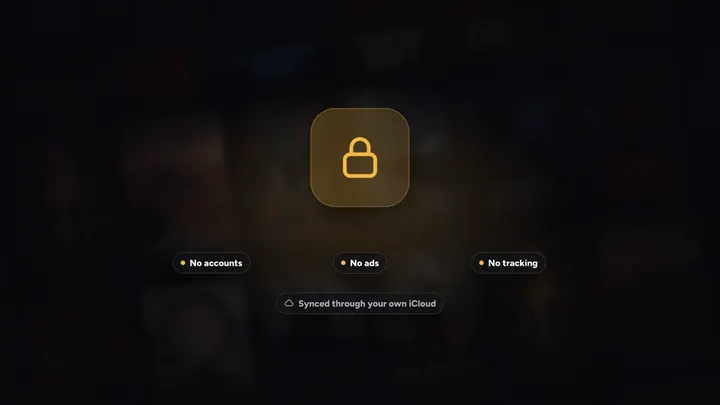
REPLAY has no accounts, no analytics and no ads, and we don’t run servers for it. Your library and progress sync through your own iCloud. We never see any of it.
- Nothing uploaded, nothing copied
- Synced through your own iCloud
- No account to make
Related features
See all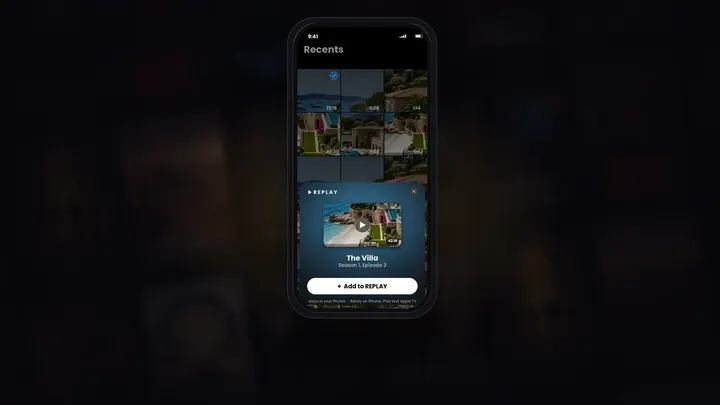
Questions
Does REPLAY copy or upload my videos?
No. Your videos stay in your iCloud Photos. Nothing is uploaded or copied, and your library syncs through your own iCloud.
Will my home videos be organized?
Yes. Videos from your camera become home videos, grouped by when you filmed them. You can rename any group or change what it is.
Can I watch on my iPhone and finish on my Apple TV?
Yes. Pause on your iPhone and pick up on your Apple TV at the very same frame.
Does it work on iPad and Mac too?
Yes. REPLAY runs on iPhone, iPad, Macs with Apple silicon, Apple TV and Apple Vision Pro, with Apple Watch as the remote.





Your turn on the sofa.
On iPhone, iPad, Mac, Apple TV and Apple Vision Pro, with Apple Watch as the remote.
7 days free on Yearly for new subscribers. Cancel anytime.